

Okay, here I will tell you how to install Tachiyomi extensions in 2025. There are basically three main methods.
1. Install directly from the Tachiyomi app:
Just open the Tachiyomi app, go to the Browse section, and then tap on Extensions. Select the extension you want to install, tap Install, and you’re good to go.
2. Manual installation using third-party apps:
Download the APK file of the extension. Open Tachiyomi, go to Settings > Security, and enable Install unknown apps. Then go to the Browse section again, find the source, and install it manually.
3. Using alternative Tachiyomi forks:
If you want to use extensions from other sources, you can try forks like:
- TachiyomiSY (supports more sources for specific regions)
- TachiyomiJ2K (custom features and UI)
- Neko (focused on MangaDex)
4. Adding custom repositories:
You can also install extensions by adding custom repositories. Go to Settings > Browse > Extensions, tap the three dots (menu), and choose Add Repository. Paste the custom URL, and it will appear in your extension list.
If you are looking for a step-by-step guide to install specific extensions like MangaReader in the Tachiyomi app, I’ll give you the link. Just visit that post.
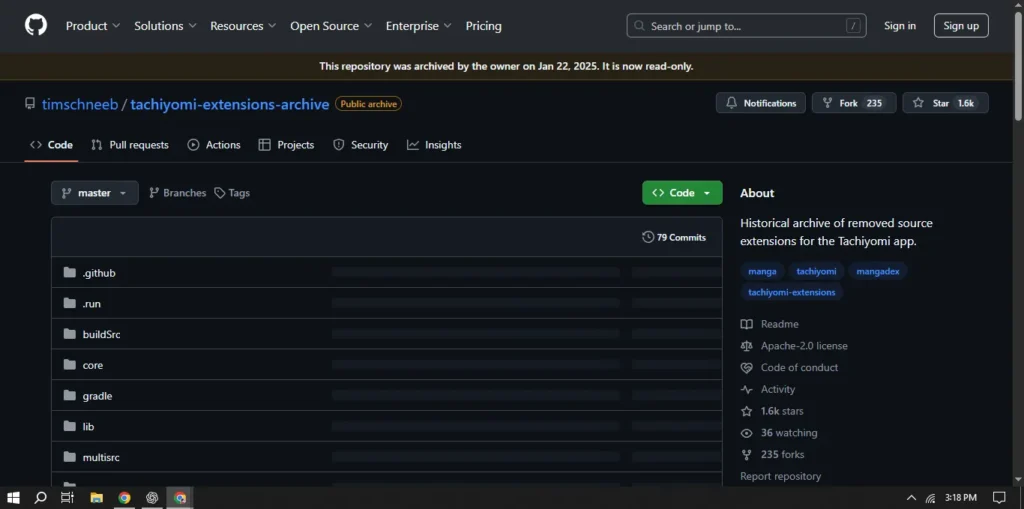
Step 1: Open Google Chrome and Visit the Extension Website
Open Google Chrome on your device and visit the official extension website — whichever Tachiyomi extension you want to install. There are many Tachiyomi extensions available, so just choose the one you need. Once you’re on the extension page, you can begin the installation process from there.
For a full step-by-step guide with screenshots, check out this post: Tachiyomi Extensions Guide
Step 2: Search for the MangaPill Extension
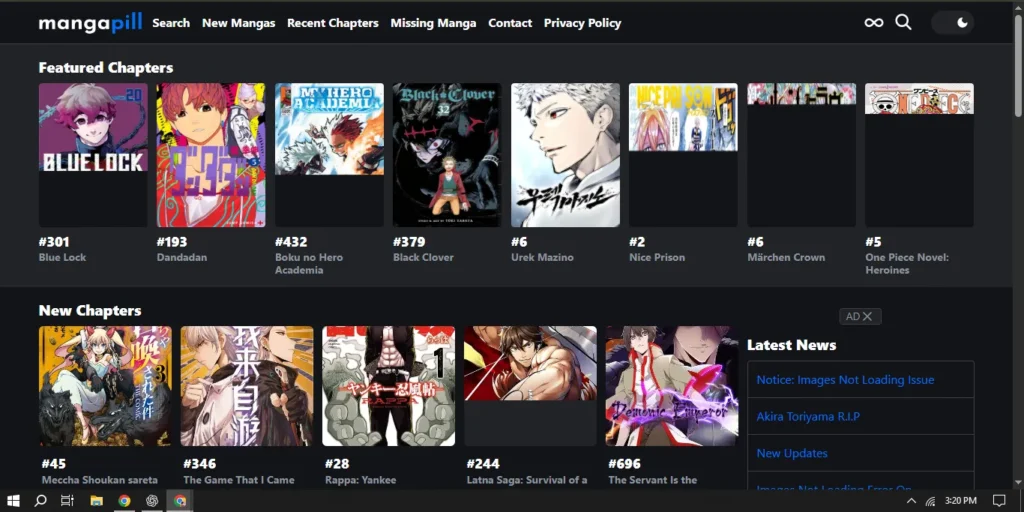
Once you’re on the website:
Ok search for managa ill extension in any browser Manga Pill extension or Tachiyomi extension, okay? And you can find it in any browser you have, no matter.
- Use the search bar to type:
MangaPill. - Make sure to set the language to English.
- The MangaPill extension should appear in the results.
Step 3: Download and Install the Extension
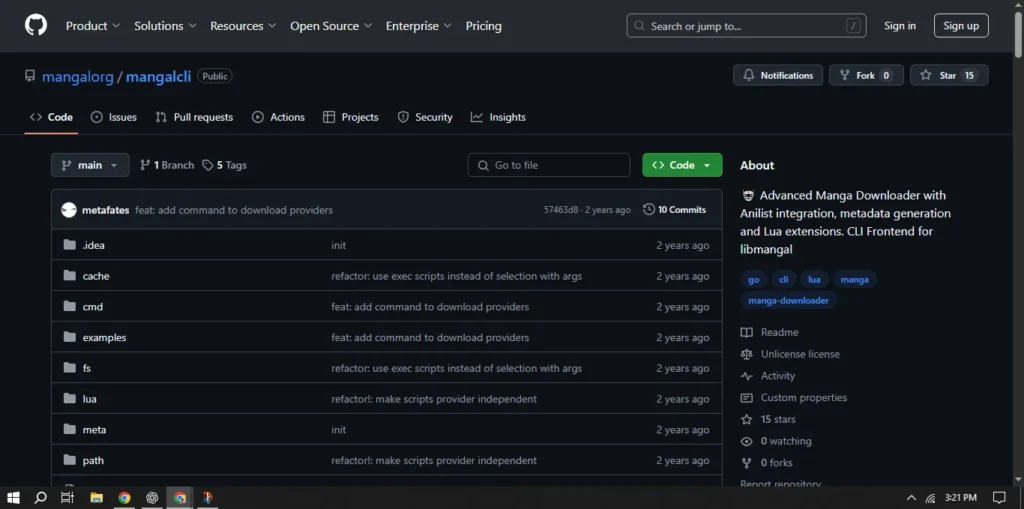
- Click on MangaPill and then tap Download.
- After the download is complete, click Add or Install.
- If you already have the extension installed, you can skip this step.
Step 4: Open the Tachiyomi App
Now that you have the extension downloaded, it’s time to open the Tachiyomi app.
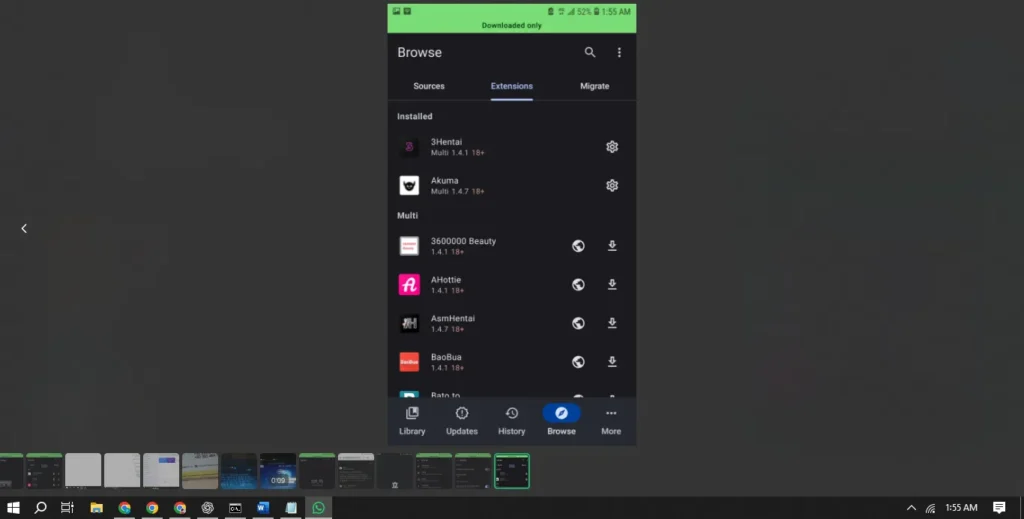
- Go to the Extensions section.
- If your app is in a different language (like mine is in German), don’t worry—the layout is the same.
- Use the search function to find
MangaPill. - Tap on it and select Install.
Step 5: Access Manga Through MangaPill Extension
Once the extension is installed:
- Go back to the main screen.
- Open MangaPill from your extensions.
- You’ll now see a wide range of manga titles available for reading.
Step 6: Search and Read Your Favorite Manga
You can search for any specific manga using the search bar inside MangaPill.
Example Searches:
- Naruto – You’ll find all 700 chapters ready to read.
- Bleach – Just search and tap to start reading.
You can even set manga to appear on your start screen for quick access.
Step 7: Download Manga for Offline Reading
The MangaPill extension allows you to:
- Download chapters to read offline.
- Enjoy high-quality images for almost every manga.
This makes it one of the best extensions available for manga lovers.
Conclusion
That’s it! You now know how to:
- Download the MangaPill extension.
- Use it with the Tachiyomi app.
- Search, read, and download manga like Naruto and Bleach.