

Tachiyomi is a popular manga reader app originally designed for Android devices. Many manga fans use it for its convenience and wide range of features, especially the extension system that lets users access manga from multiple sources. However, when running Tachiyomi on a PC using emulators, some users experience lag, crashes, or issues like extensions not showing. These problems can be frustrating but are usually fixable by adjusting emulator settings, updating software, or reinstalling the app.
If you haven’t installed Tachiyomi on PC yet, follow our step-by-step guide here Tachiyomi-apk pc
Let’s explore why this happens and how to fix Tachiyomi lags and crashes issues step by step.
Why Are Tachiyomi Extensions Not Showing?
There are several possible reasons:
- The app is not updated to the latest version.
- Unstable or restricted internet connection.
- IP address might be blocked by the source site.
- App settings may not be properly configured.
- Storage is full, preventing new installations.
- Tachiyomi is not granted permission to install unknown apps.
- The source server might be temporarily down.
Solutions to Fix Tachiyomi crashes and lag issues
Method 1: Update the Tachiyomi App
Make sure you are using the latest version of Tachiyomi.
- Go to Google Play Store.
- Search for Tachiyomi.
- Tap Update if available.
- Open the app once updated.
Method 2: Refresh and Update Extensions
Sometimes extensions don’t load if they are outdated.
- Open Tachiyomi and go to Browse > Extensions.
- Check for any extensions showing the Update button.
- Swipe down to manually refresh the extension list.
Method 3: Enable Unknown Sources
You must allow the app to install extensions from outside sources.
- Go to Phone Settings > Apps.
- Tap the three-dot icon > Special Access > Install Unknown Apps.
- Enable this option for Tachiyomi.
Method 4: Reset Internet Settings
A weak or restricted network can block extension loading.
- Toggle Airplane Mode on and off.
- Restart your Wi-Fi router or mobile data.
- Make sure your internet connection is stable and fast.
Method 5: Enable DNS over HTTPS
Enabling DNS over HTTPS increases privacy and may help in loading extensions.
- Open Tachiyomi > More > Settings > Advanced.
- Enable DNS over HTTPS.
Method 6: IP Address Temporarily Blocked
Sometimes, your IP gets temporarily blocked by the source site.
- Wait for some time – it often resolves automatically.
- Try accessing the extension later.
Method 7: Use Web View to Load Extensions
- Open Tachiyomi.
- Go to Browse > Select a Source.
- Tap the Web View icon in the toolbar.
- Complete any Captcha that appears.
- Tap X to return.
Method 8: Clear WebView Data
- Open Tachiyomi > Web View screen.
- Tap the three-dot menu > Clear Cookies and refresh.
- Then go to More > Settings > Advanced > Clear WebView Data.
Method 9: Force Close and Restart the App
- Close all background apps.
- Force stop Tachiyomi from app settings.
- Reopen it and try loading the extensions again.
Method 10: Manga Site May Be Down
If a source website is down, extensions won’t load.
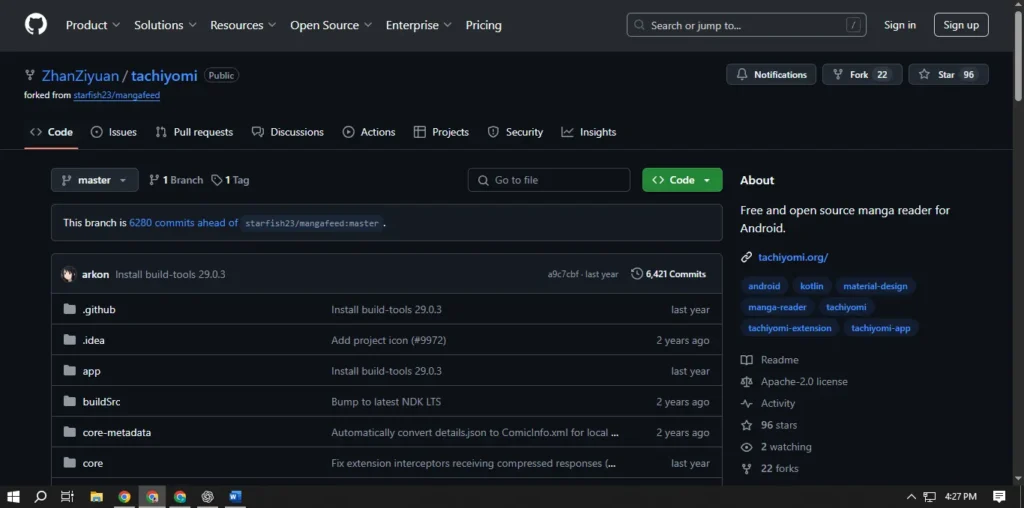
- Visit GitHub or the source site to check for downtime.
- Wait until the site is back online.
Why Is Tachiyomi Only Showing Installed Extensions?
This usually happens if:
- Your device storage is full.
- You haven’t enabled the source list in settings.
- SD card permissions are not granted.
How to Fix This:
- Enable Show in Source List:
- Go to Tachiyomi > More > Settings > Browse > Source List.
- Enable “Show in Source List”.
- Go to Tachiyomi > More > Settings > Browse > Source List.
- Free Up Storage:
- Delete unwanted files or apps.
- Move files to the SD card.
- Delete unwanted files or apps.
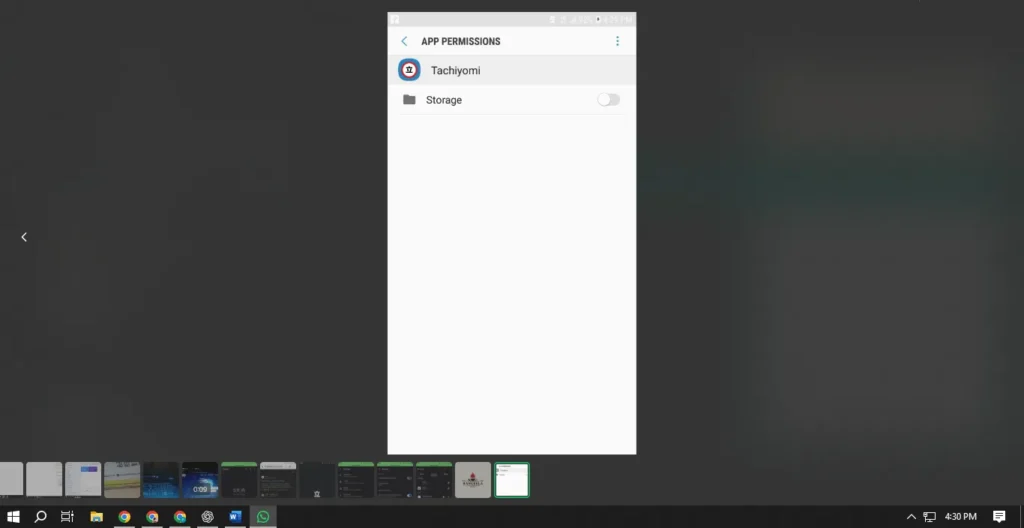
- Allow Storage Permissions:
- Go to Phone Settings > App Permissions.
- Grant storage access to Tachiyomi.
- Go to Phone Settings > App Permissions.
Final Words
Thanks for reading this guide on Fix Lag & Crashes When Using Tachiyomi on PC By following the steps above, you should be able to resolve most issues and enjoy uninterrupted manga reading.
If the issue still persists, consider reinstalling the app or visiting Tachiyomi’s GitHub page for further help.