
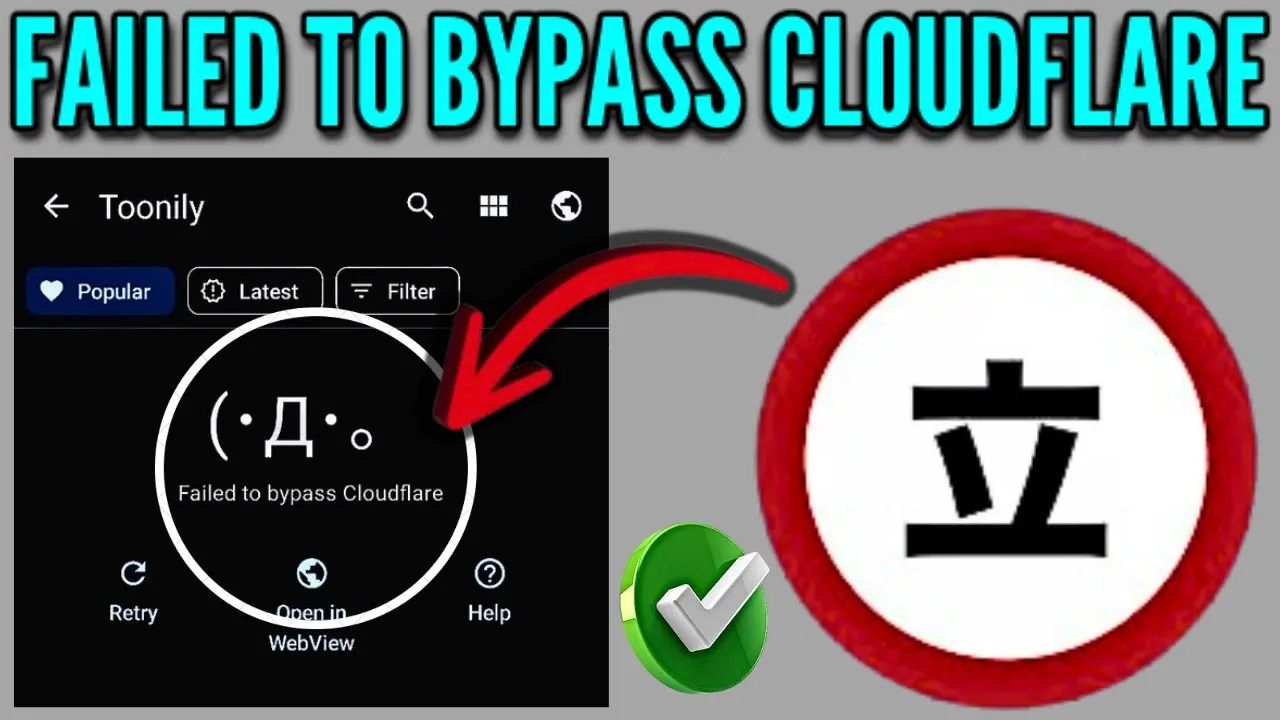
If you’re a manga enthusiast using the popular reading app Tachiyomi (or its successors like Mihon), you might occasionally run into a frustrating roadblock: the dreaded “Failed to Bypass Cloudflare” error. This usually pops up when the app tries to access content from certain manga sources protected by advanced security, namely Cloudflare’s bot-detection measures.
The good news is that this is often a simple fix, revolving around updating the app’s User Agent string to mimic a legitimate web browser. Here is a full, step-by-step guide to resolving this pesky issue and getting back to your reading!
User Agent Cloudflare Problem Tachiyomi
The “User Agent (UA) string” is a small piece of text that your browser (or in this case, Tachiyomi) sends to a website. It identifies the application, operating system, and version you are using.
When Cloudflare sees a User Agent that looks automated or outdated (like Tachiyomi’s default one), it flags it as a bot and blocks access, giving you the bypass error. By changing the User Agent in Tachiyomi to a modern, legitimate browser’s UA, you can often trick Cloudflare into letting you through.
Step-by-Step Guide to Bypass Cloudflare in Tachiyomi
Follow these steps precisely to resolve the “Failed to Bypass Cloudflare” error by replacing the default User Agent string.
Step 1: Access Tachiyomi’s Advanced Settings
- Launch Tachiyomi on your device.
- Navigate to the More tab (usually located in the bottom right corner).
- Tap on Settings.
- Scroll down and select Advanced.
Step 2: Clear the Default User Agent String
- Inside the Advanced menu, scroll down until you find the option: Default user agent string.
- Tap on it.
- Remove the current default user agent string entirely from the text field.
Step 3: Find Your Browser’s User Agent
To successfully bypass Cloudflare, you need to use a current, legitimate User Agent string that matches the browser you use on your phone.
- Exit Tachiyomi and open your device’s default web browser (Chrome, Firefox, Edge, etc.).
- In the search bar, Google search for: “what’s my default user agent” or just “my user agent.”
- Click on a reputable result, like the one from
whatismybrowser.comor a similar diagnostic site. - On the results page, you will see a long, complex string of text that is your current browser’s User Agent. Copy this entire string.
💡 Pro Tip: This string should look something like:
Mozilla/5.0 (Linux; Android 14; Pixel 7) AppleWebKit/537.36 (KHTML, like Gecko) Chrome/120.0.6099.144 Mobile Safari/537.36(The specific numbers and details will vary based on your phone and browser version).
Step 4: Paste and Apply the New User Agent
- Go back to Tachiyomi and return to the Default user agent string setting in the Advanced menu.
- Paste the User Agent string you just copied from your browser into the text field.
- Tap OK to save the changes.
Step 5: Clear Cache and Restart the App
Even with the new User Agent, residual data might still cause the error. You need to clear the app’s cache to force it to use the new settings.
- Close Tachiyomi completely from your recent apps switcher.
- On your device’s home screen, long-press on the Tachiyomi app icon.
- Tap the App Info (often an “i” button) option that appears.
- On the App Info page, select Storage (or “Storage & Cache”).
- Tap Clear Cache (Do NOT tap “Clear storage” or “Clear data,” as this will delete your downloaded manga and reading progress!).
Step 6: Test the Fix
- Relaunch Tachiyomi.
- Try opening the manga or source that was giving you the “Failed to Bypass Cloudflare” error.
If successful, the Cloudflare verification page should either disappear or resolve automatically, allowing the content to load normally!
What If the Fix Doesn’t Work?
If the error persists, you may need to try one or more of these alternative solutions:
- Try a Different User Agent: Some sources are more aggressive. Go back to Step 3 and try finding a different generic, modern User Agent (e.g., a desktop Chrome UA or a different phone/OS version UA) to see if it works better.
- Clear WebView Data: In the Tachiyomi Advanced Settings, you can also try tapping Clear cookies and Clear WebView data. This often resets any Cloudflare checks saved locally.
- Update the Extension: The issue is often with a specific extension. Make sure the manga source extension is updated to the latest version available in Tachiyomi.
- Use the WebView Feature: When the Cloudflare error appears, try tapping the WebView icon (if available) to open the page in an internal browser. Sometimes you can manually solve a CAPTCHA or wait for the automatic check to pass here before returning to the main app.
By correctly updating your User Agent and clearing the app cache, you can almost always overcome the Cloudflare roadblock and enjoy uninterrupted reading!