Tachiyomi Download for PC (No Emulator Required)

Are you looking to download and install Tachiyomi on your Windows 11 PC without using any emulator? You’re in the right place! In this guide, we’ll walk you through a simple and effective method to run Tachiyomi APK on your PC using the official Windows features—no third-party emulators required.

Looking for step by step tachiyomi apk pc installation visite here tachiyomi apk pc

Step 1: Enable Required Features on Windows 11

Before installing APK files, make sure two essential features are enabled:

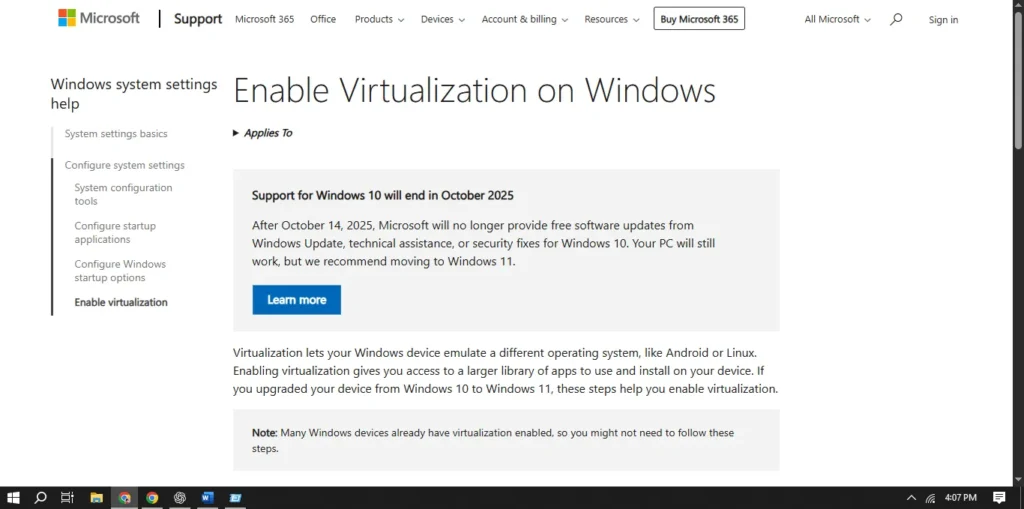
1. Enable Virtualization

  • Open the Task Manager (Ctrl + Shift + Esc) and go to the Performance tab.
  • At the bottom, check if Virtualization is “Enabled”.
  • If it’s Disabled, restart your PC and enable it from your BIOS/UEFI settings.
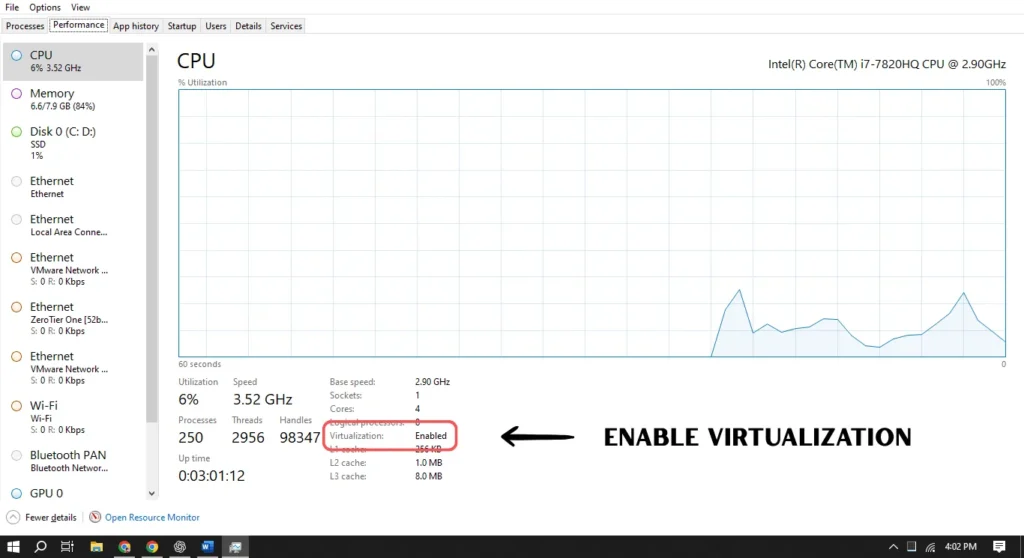
Enable virtualization in tachiyomi pc

2. Enable Virtual Machine Platform

  • Press Win + R, type optionalfeatures, and press Enter.
  • Scroll and check “Virtual Machine Platform”.
  • Click OK, then restart your PC.
Enable Virtual Machine Platform in tachiyomi pc

Step 2: Install Windows Subsystem for Android (WSA)

How to Get WSA:

  • Open the Microsoft Store and search for “Windows Subsystem for Android”.
  • Install it like any regular app.

Enable Developer Mode:

  • After installation, open WSA from the Start menu.
  • Go to the Developer tab and turn on Developer Mode.
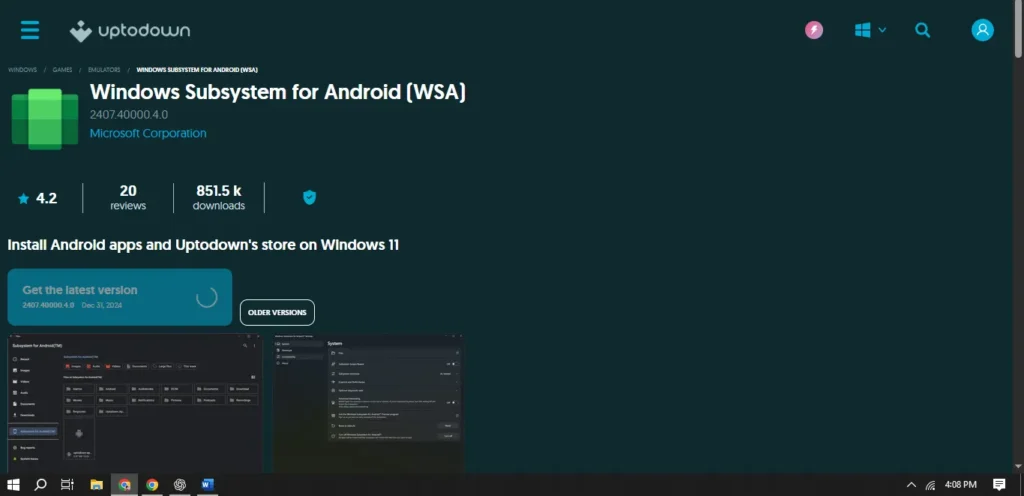
windows subsystem for android

Step 3: Install Tachiyomi APK on Your PC

Here are 3 simple methods to install the Tachiyomi APK on your Windows 11 system:

Method 1: Using WSA PacMan (Graphical Installer)

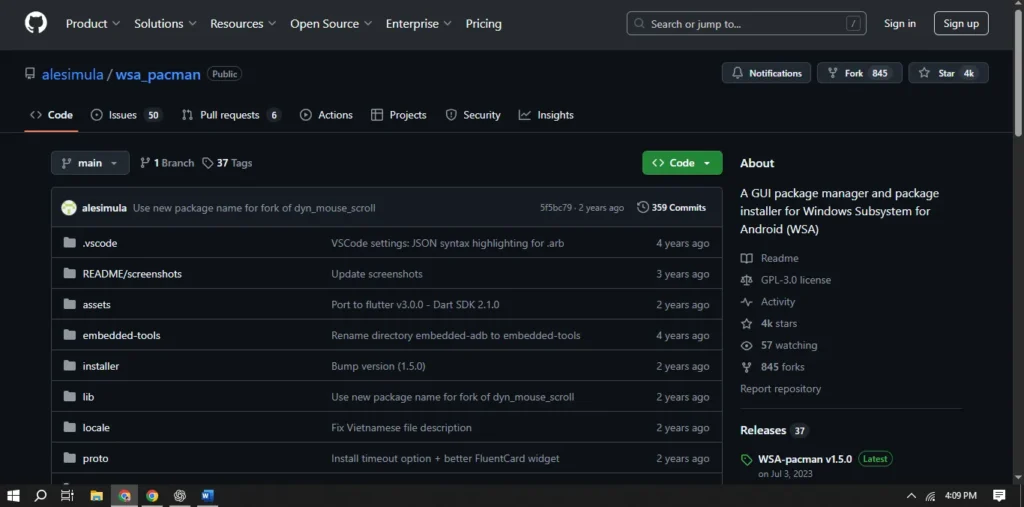
  1. Download and install WSA PacMan from its official site.
  2. Open WSA PacMan. If it shows “Disconnected”, make sure WSA and Developer Mode are active.
  3. Double-click the Tachiyomi APK file to install it.
  4. Once installed, the app behaves like any Windows app:
    • You can pin it to the taskbar.
    • Uninstall it from Settings > Apps.
WSA PacMan for tachiyomi apk pc install

Method 2: Using APK Installer from Microsoft Store

  1. Install APK Installer from the Microsoft Store.
  2. Launch the app and click “Open APK File”.
  3. Select the Tachiyomi APK file to install it.
  4. The app will be installed and appear in your Start menu.
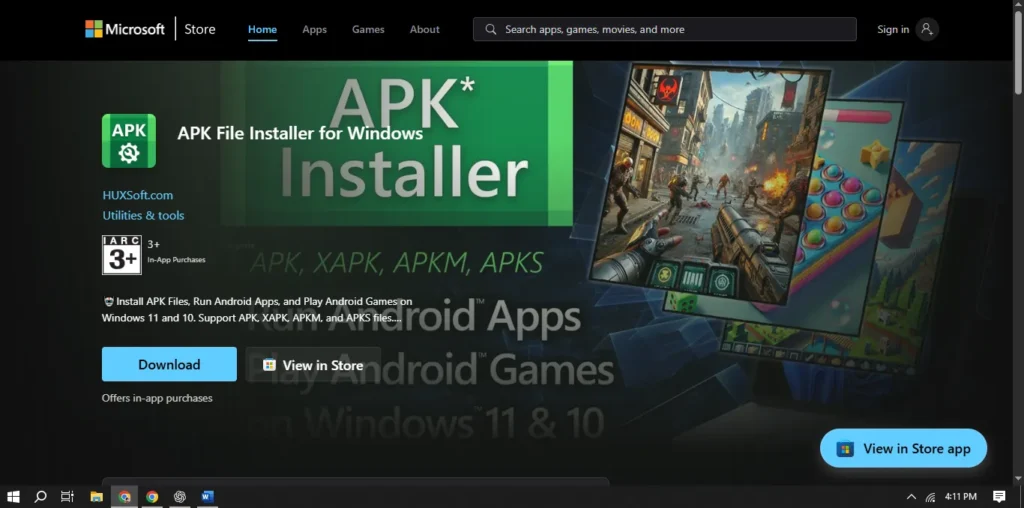
APK Installer for tachiyomi apk

Method 3: Using ADB Commands

  1. Download SDK Platform Tools from the Android Developer website.
  2. Extract the ZIP file and place the Tachiyomi APK inside the same folder.
  3. Open the folder, type cmd in the address bar, and press Enter.
  4. Run the following commands in Command Prompt: adb devices adb install tachiyomi.apk (Replace tachiyomi.apk with your actual file name)
  5. You’ll see a “Success” message once installed.
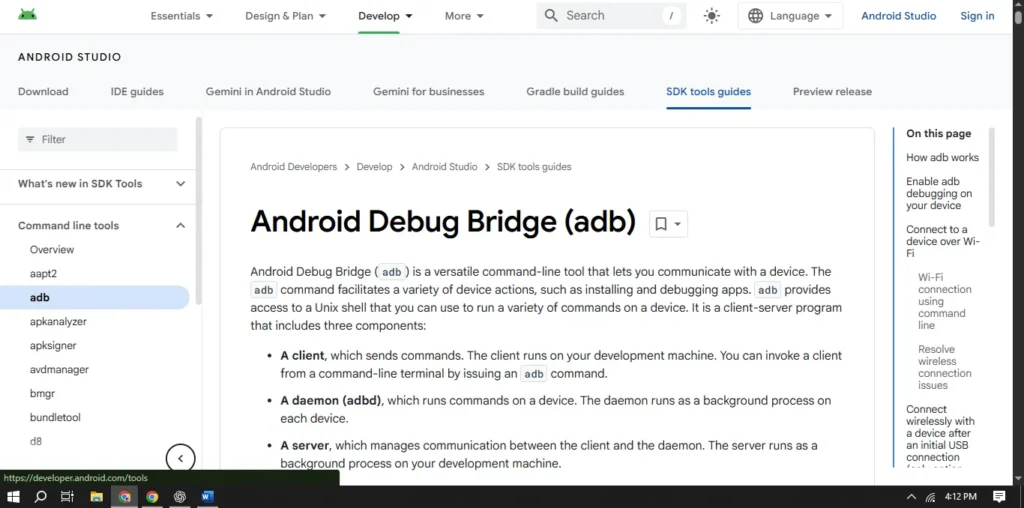
ADB Commands for installing tachiyomi apk pc

Conclusion

You’ve successfully installed Tachiyomi on your Windows 11 PC—no emulator needed! With WSA, Android apps now feel like native Windows applications.

If you run into any issues or have questions, feel free to drop them in the comments section. Happy reading!

Leave a comment

8kbet 69vn 23win f168 ---22/7 HM Soi kèo nhà cái sv388.kiwi bk8.gg rikbet.com gem88.com Game bai doi thuong Nổ hũ Tài xỉu online bong88.fan i9bet41.us i9bet.ws good88.nyc 99ok.now thabet999.net fun88.id s666casino.org kubet.store 12bet.vc hb88.gg sunwin86.page iwin.bio iwinclub.la v9bet.pro w88.ink fb88.com.co bong88.la 79king.fit 789win.surf 33win.promo ae888.uk.com 789clubb.asia w88.art 8day.ist 79king.now ---25/7 Rikvip Hitclub Dv88 Xocdia88 Ga6789 Happyluke Ko66 Acb8 Sv66 Vz99 ---26/7 Hello88 78win iwinclub QQ88 F8bet Bong88 F168 88CLB GOOD88 KUBET S666 --30/7 tài xỉu online 123win thienhabet 99ok s666 98win ok365 nohu90 bắn cá đổi thưởng Winvn 68 game bài Hello88 Hello88 Hello88 nohu90 bk8 i9bet i9bet 99ok bj88 bj88 ae888 ae888 ae888 ae888 ae888 qq88 hb88 hb88 qq88 33win u888 abc8 69vn king88 68win 58win 88go sa88 for88 k8bet 33bet vvvwin v999 bossfun 999bet max10 sun52 v99 r88 man79 rio66 t88 vip69 socvip vip52 gun88 123b 123b 123b thabet gk88 69vn xin88 79king 8xbet j88 188bet fb88 w88 m88 king88 789win 789win 789win 98win 98win 33win 78win ok9 79king 79king mb66 bj88 ---7/10 qq88 wibo88 rr88 alo789 8kbet ev88 uu88 88aa hubet daga gk88 123b xin88 77win dv88 Dola789 Az888 Ffok Vuabet88 Eu88 383sports -- Soi kèo nhà cái Sv388 Loto188 Abc8 Vz99 Game bài đổi thưởng Nổ hũ Tài xỉu online Typhu88 Bong88 I9bet I9bet Good88 99ok Thabet Fun88 S666 Kubet 12bet Hb88 Sunwin Iwin Iwin V9bet W88 Fb88 Bong88 79king 789win 33win Gi8 789club W88 8day 79king https://go88s.mom/ https://go88play.us/ https://go88.us.org https://sunwin.vegas/ https://sunwin.at/ https://mancluboo.com/ https://manclub.de.com/ https://kubet11.day/ https://shbet.us.org https://new88.us.org https://789bet.us.org https://188bet.tel https://fb88balez.co https://hi8802.one https://8xbet1.biz https://789win.poker https://fun88.yoga https://hi880.life https://8xbetch.com https://789winonline.com https://fun88.company https://f8bet0.run https://f8bet.black https://8xbet68.club https://fb88.com.bz https://789win.pub https://78win.com.bz https://78win.pub https://pg88-vn.co/ https://for88-vn.co/ https://k8cc-vn.com/ https://33bet.com.vc/ https://vn138.com.co/ https://vvvwin-vn.co/ https://vn88-vn.com/ https://i9bet-vn.net/ https://typhu88-vn.com/ https://thabet-vn.com/ https://ww88-vn.com/ https://hb88-vn.org/ https://bj88-vn.org/ https://hello88-vn.com/ https://kubet-casino.net/ https://kubet.sbs/ https://kubet-11.io/ https://98win-vn.co/ https://bong88-vn.co/ https://j88.name/ https://789win-vn.net/ https://keonhacai.fit/ https://iwin-vn.co/ 188Bet 33Win 789bet 789win 888B 8DAY King88 BK8 BK8 Bong88 FB88 Fm88 Fun88 Go88 Go88 Hello88 Hi88 Hi88 Hitclub Iwin Jun88 Kubet Max88 https://nhacaitangtien.io/ https://nhacaiuytin.ngo/ Rikvip S666 Sunwin Sunwin Sunwin Sunwin SV388 Thabet VN88 W88 W88 W88 S666 ww88 12bet V9bet Betvisa Betvisa Vin777 Vin777 EE88 Sunwin Go88 Hitclub iWin Rikvip B52 789club Manclub Soc88 Net88 Max88 Dv88 188bet 188bet W88 W88 Fun88 Fun88 Mb66 Kubet Jun88 S666 79king 789win 8kbet WW88 Sbobet 77bet K9CC N88 TDTC https://cacuoc-bongda.info/ https://keonhacaitructuyen.org/ https://tylekeovn.net/ https://choigamebai.org/